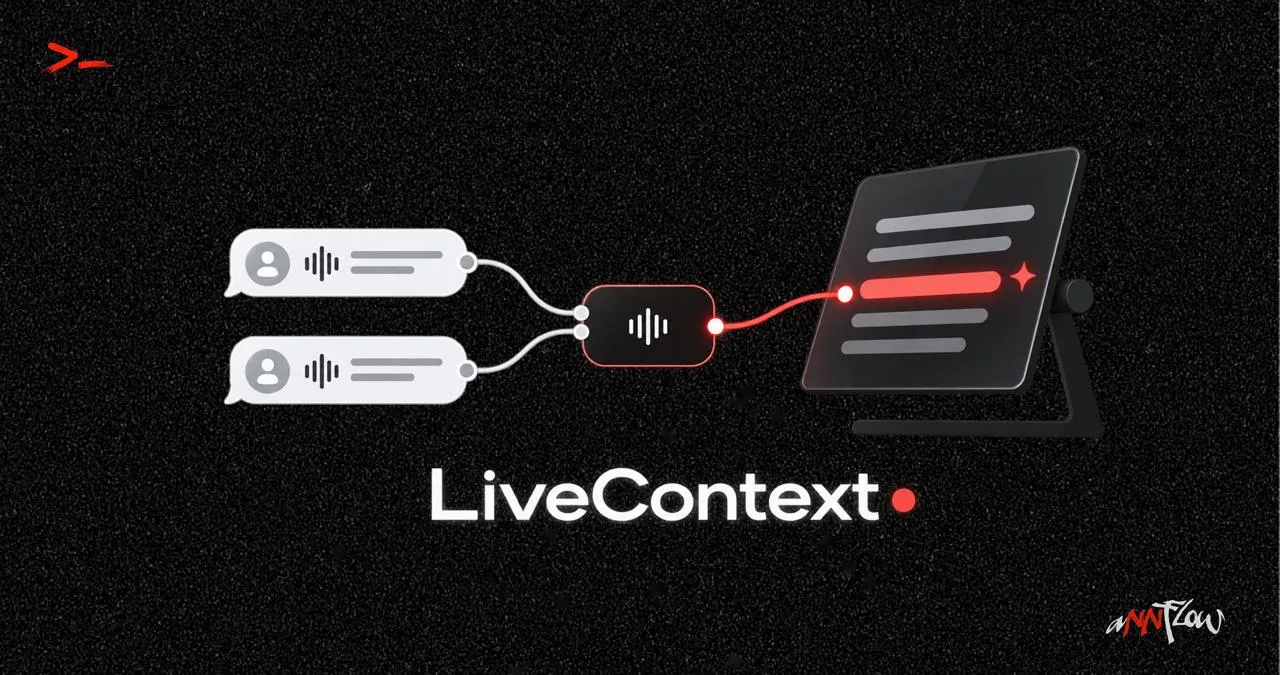
LiveContext

Linking a live conversation to project memory

3 notes · 3 min

How I built LiveContext, or How to connect a live conversation to project memory: illustration 1

Contents

  1. Why simply saving conversations wasn't enough for me1 min
  2. How LiveContext separates my voice from the other person's1 min
  3. LiveContext in a real conversationvideo1 min
  4. Why Whisper turned out to be far from the hardest partsoon
  5. A conversation is not a transcript. It is a statesoon
  6. How LiveContext knows which context is needed right nowsoon
  7. How I turned Obsidian from an archive into working memorysoon
  8. Why I don't let the LLM search the whole knowledge basesoon
  9. How one line turns into the right information from Obsidiansoon
  10. Why memory must not rewrite itself automaticallysoon

Why simply saving conversations wasn't enough for me

In VoxBase I was solving the problem of what happens after a conversation.

A recording becomes text, the text is saved as Markdown, and the important information stays in project memory. You can come back to a conversation a day or a month later without trying to reconstruct it from recollection.

But another problem showed up fairly quickly.

Sometimes context isn’t needed after the call. It’s needed right now.

During a conversation someone may ask about something discussed a week ago. A new objection may come up, the topic may shift, or a specific project fact may be needed.

And the information already exists: it sits in Obsidian, in documents, in project rules, in past conversations.

The only problem is that searching for it by hand while the other person waits for an answer is almost pointless.

That’s how LiveContext appeared.

Its job is broader than ordinary transcription. The system has to receive the conversation practically in real time, understand what is happening now, and connect what’s happening to the context of a specific project.

Roughly:

conversation
↓
transcription
↓
current state of the conversation
↓
project context
↓
the information needed

So VoxBase saves a conversation into memory.

And LiveContext tries to make that memory work before the conversation has even ended

In the next posts I’ll go through how I put this together: from two independent audio streams and local transcription to Obsidian and finding the right context during a call.

Back to contents

How LiveContext separates my voice from the other person's

For LiveContext to understand a conversation, it first has to solve a fairly basic problem: who exactly is speaking right now?

I could have recorded the whole call as one audio stream and then tried to work out in software which voice was mine and which was the other person’s.

In LiveContext I went another way: I separate the voices before transcription.

That gives two independent sources:

my microphone → YOU

call audio → REMOTE

YOU comes straight from the physical microphone: AirPods or a USB mic.

REMOTE is more interesting. Sound from an app, such as Telemost or a browser, goes into a separate virtual audio device, LiveContext Remote, which I built with Loopback.

So the computer effectively gets two different audio tracks:

microphone ───────────→ YOU

→ LiveContext
/
Telemost / browser ─────→ REMOTE

Each stream has its own processing, its own speech detection settings and its own queue. Only after that does the sound go to local transcription.

As a result, LiveContext doesn’t have to guess who a given phrase belongs to.

It knows that from the sound source itself.

This small architectural decision turned out to matter for everything built on top of it. Because for the system there’s a big difference between:

“the client said the price is high”

and

“I told the client the price is high”.

The text is almost identical. The state of the conversation is completely different.

Then comes the harder part: how to turn these two continuous streams of sound into fast and accurate local transcription without bringing the whole computer to its knees.

Back to contents

LiveContext in a real conversation

In the video I’m dealing with a complaint about an undelivered order.

LiveContext analyses the conversation in real time and immediately passes it to the model together with the current project context from Obsidian.

So the model already knows the order number, the complaints, the deadlines and the history of contacts while the conversation is still going

Back to contents

Next seriesMCP server